
- By admin
- In Uncategorized
Before You Pull a Single Cable: The Office AV and IT Pre‑Build Checklist
Planning your office AV and IT setup without a solid checklist can mean costly delays and messy installs. Before you pull a single cable, you need to nail down every detail—from structured cabling routes to PoE budgets—to keep your project on track. In this guide, you’ll get the exact steps for San Antonio AV installation that save time, cut costs, and ensure your conference room AV and smart office solutions work flawlessly from day one.
Pre-Build Planning Essentials
Setting the groundwork for your AV and IT project is crucial to avoid surprises later. Let’s dive into what you must address before the first cable is pulled.
Define Project Scope and Goals
Start by clearly defining what you want from your project. Is the goal to equip a conference room with the latest AV technology, or perhaps to build a smart office with seamless connectivity? Knowing your goals helps in making informed decisions that align with your vision. This clarity will guide the entire project, ensuring it meets your expectations. Consider writing down specific objectives and discussing them with your team to get everyone on the same page.
Identify Key AV/IT Needs
Understanding your AV and IT requirements is the next step. Assess the number of users, the type of devices needed, and how the systems will integrate with existing technology. Will you need conference room AV setups, Zoom Rooms, or Microsoft Teams Rooms? Gathering these details ensures that all necessary equipment and software are included in the plan. This preparation will prevent missed components that could halt progress later.
Budget and Timeline Considerations
Financial planning is critical. Establish how much you can spend and how long the project should take. A detailed budget should include costs for equipment, installation, and any potential upgrades. Likewise, setting realistic timelines helps keep the project on schedule. Remember, the longer you delay, the higher the costs might rise. A well-prepared budget and timeline create a roadmap for smooth execution.
Site Assessment and Coordination
Once planning is underway, the next phase involves assessing the site and coordinating with all involved parties.
Evaluate Existing Infrastructure
Before new installations, take stock of your current infrastructure. Determine if existing cables can be reused or need replacing. This assessment helps in planning the layout and integration of new systems. Knowing the state of your current setup can uncover potential issues early, saving time and resources down the line.
Coordinate with Contractors
Communication with contractors is key to a successful project. Contractors bring valuable insights about technical feasibility and building requirements. Regular coordination ensures that all parties are aligned, which minimizes misunderstandings. Make sure your contractors are briefed on your goals and timelines so they can adjust their plans accordingly.
Optimize Cable Management
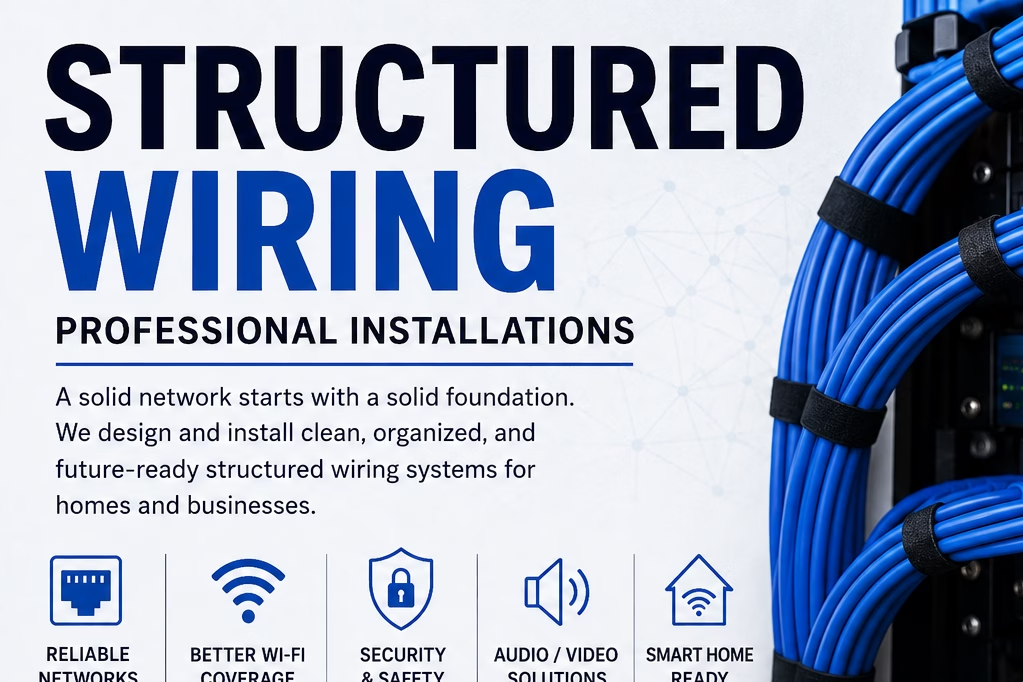
Proper cable management is often overlooked but crucial for a tidy installation. Poor cable management can lead to tangled wires and maintenance challenges. Plan pathways for cables and ensure they are labeled and organized. This not only enhances the aesthetics but also simplifies future troubleshooting and maintenance.
Compliance and Technical Specifications

Finally, ensure that your project adheres to all technical and compliance standards for a hassle-free operation.
Ensure ADA Compliance
It’s essential to ensure your setup meets ADA requirements. This includes accessible pathways and reachable equipment for all users. Compliance not only fulfills legal obligations but also fosters an inclusive environment. By planning for accessibility from the start, you demonstrate a commitment to all users.
Calculate Projector Throw Distance
Get the best viewing experience by calculating the correct projector throw distance. This involves determining how far the projector should be from the screen for optimal image size and clarity. Use a display size calculator to assist with these measurements. Accurate calculations prevent image distortions and improve presentation quality.
Plan for Rack and Stack Requirements
Consider the space needed for AV equipment racks. Plan the location and ventilation needs to ensure proper equipment function. Proper planning for rack and stack setups prevents overheating and extends the life of your equipment. This foresight can save you from costly repairs or replacements.
Frequently Asked Questions
What is the first step in planning an office AV setup?
The first step is to define the project scope and goals. Understanding what you need from the setup will guide all subsequent decisions and ensure the project aligns with your vision.
How important is cable management in AV installations?
Cable management is crucial for both aesthetics and functionality. Proper management prevents tangled wires and makes maintenance easier, ensuring a clean and efficient setup.
Why is compliance important in AV projects?
Compliance, such as ADA requirements, ensures that your setup is accessible to all users. It’s a legal obligation and reflects your commitment to inclusivity.
What should I consider when setting a budget for AV installations?
Include costs for equipment, installation, potential upgrades, and unforeseen expenses. A detailed budget prevents financial surprises and keeps the project on track.
How do I ensure my AV setup is future-proof?
Plan for scalability by choosing flexible systems that can accommodate future technology upgrades. Regular assessments of your infrastructure will help keep your setup current.