
- By admin
- In Uncategorized
Bought a 65-inch TV Wall Mount from Walmart? Read This Before You Drill (San Antonio Guide)
You just grabbed a Walmart 65 inch TV wall mount and can’t wait to upgrade your space. But before you start drilling, there’s a lot that can go sideways—from stud spacing to wire concealment and brick fireplace challenges. Getting it right means a secure, level TV that looks sharp and stays safe. Stick around to learn what every San Antonio homeowner and business needs to know before mounting that 65-inch screen.
For those curious about the TV Wall Mount Installation Cost in San Antonio, understanding the expenses involved can help you make an informed decision. Looking for a fast and clean installation? Check out our TV Mounting Service to ensure quality service. Wondering whether to choose a local pro or a larger service? Our comparison of Best Buy TV Mounting Service vs Local Pros in San Antonio can guide your choice perfectly.
Choosing the Right Mount
When you’re ready to mount your TV, the first step is picking the right mount. This choice will impact how your TV looks, moves, and functions.
Tilt vs Full Motion Mount
When deciding between tilt and full motion mounts, consider how you’ll use the TV. A tilt mount allows you to adjust the angle for better viewing and reduces glare. It’s perfect if your TV is positioned higher on the wall. On the other hand, a full motion mount gives you more flexibility. You can pull the TV away from the wall and swivel it to different angles, making it ideal for open spaces where viewing angles change.
VESA 400×400 Compatibility
VESA 400×400 is a standard for TV mounts that many modern TVs follow. It refers to the distance in millimeters between the mounting holes on the back of your TV. Ensuring your TV mount supports VESA 400×400 means compatibility will not be a problem. Always double-check your TV’s specifications to avoid any surprises during installation.
Considerations for Metal Studs
If your wall has metal studs, mounting a TV can be tricky. Metal studs require special attention as they are not as sturdy as wooden ones. You might need additional support or specific anchors designed for metal. This is crucial for ensuring your TV remains secure.
Preparing for Installation
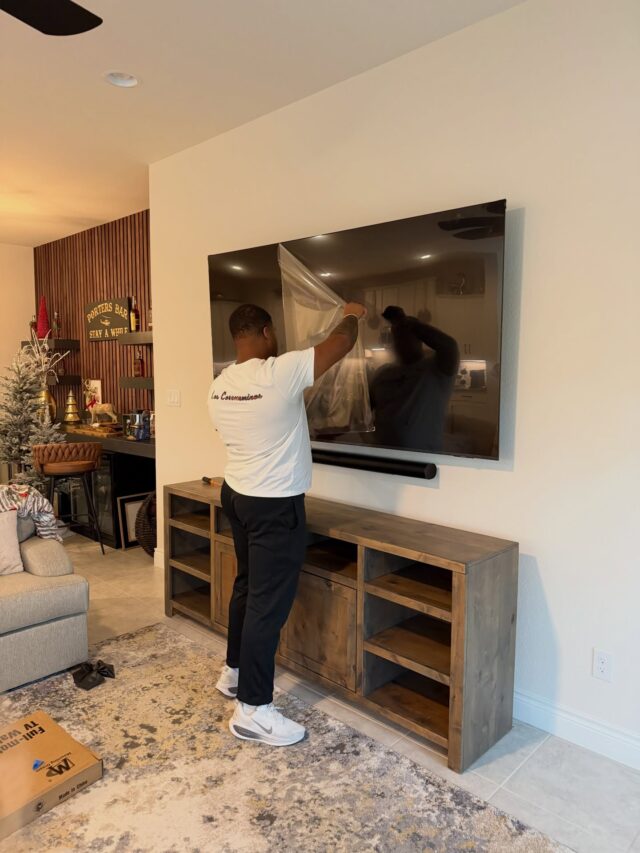
Once you’ve chosen the right mount, it’s time to focus on preparing your space for installation. This involves understanding your wall structure and planning for power and cables.
Stud Spacing 16 and 24 Inches
Stud spacing can vary, usually being either 16 or 24 inches apart. Knowing the spacing is essential for a secure installation. Use a stud finder to locate them so you can anchor your mount firmly. If your TV mount doesn’t align perfectly with the studs, you might need an adapter or additional support.
Wire Concealment Options
No one likes seeing wires hanging from a mounted TV. Wire concealment can keep your setup tidy. You can use cord covers that match your wall color or channel the wires through the wall. Either option will give your setup a clean, professional look.
In-Wall Power Kit Essentials
In-wall power kits are a game changer for hiding cables. They allow you to run power cables inside the wall, making your setup look neat. These kits usually come with everything you need to safely run power from your outlet to the TV without exposed wires.
Professional Installation Benefits

Opting for a professional installation can save time and ensure everything is done right. Here’s why it’s worth considering.
Secure TV Installation Techniques
Professional installers use trusted techniques to ensure your TV is securely mounted. They have the expertise to handle different wall types, ensuring your TV doesn’t come crashing down due to improper mounting.
Perfectly Level TV Mounting
A level TV is crucial for a good viewing experience. Professionals use precise tools to ensure your TV is perfectly level. This prevents the frustration of a crooked screen and enhances your space’s overall look.
Booking a Veteran-Owned Service 🤝
Choosing a veteran-owned service means supporting those who have served. These businesses often emphasize reliability and quality. In San Antonio, you can rely on experienced professionals who prioritize customer satisfaction and safety.
Frequently Asked Questions
How do I know if my TV is VESA 400×400 compatible?
Check the back of your TV for the VESA pattern. If the mounting holes measure 400mm by 400mm, it’s compatible.
What if I can’t find the studs in my wall?
Use a reliable stud finder or consult a professional. If you’re unsure, professionals can ensure your TV is mounted securely.
Are in-wall power kits safe?
Yes, when installed correctly. They are designed to meet safety standards and provide a neat solution for hiding cables.
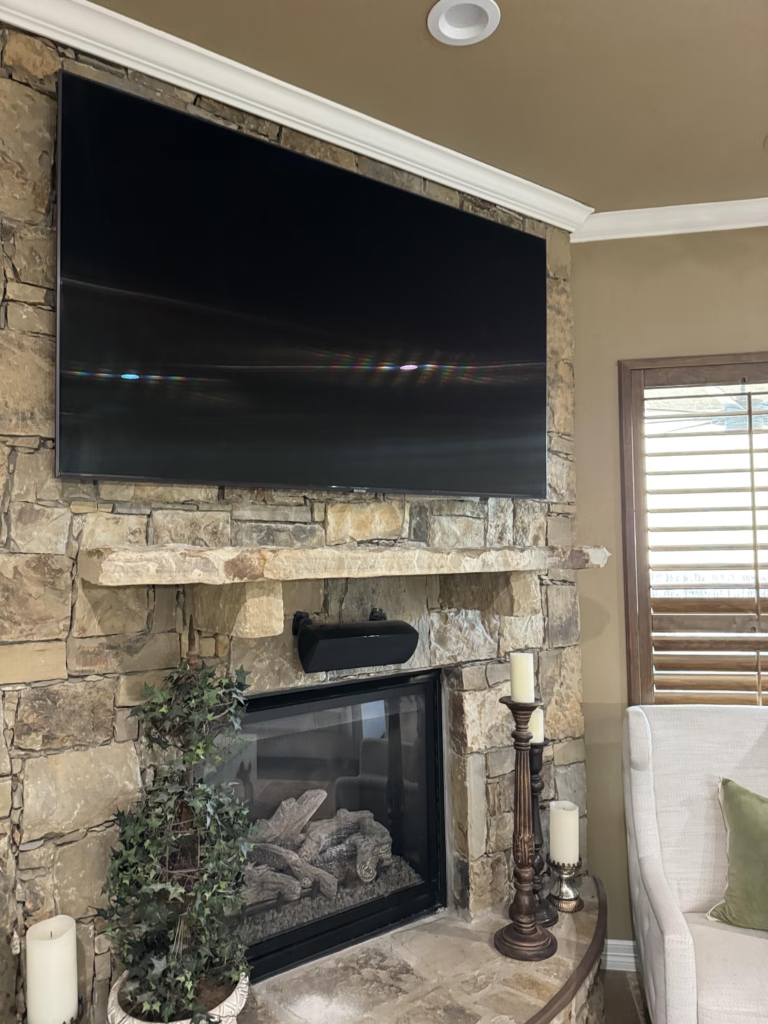
Can I mount a TV on a brick fireplace?
Yes, but it requires special tools and anchors. It’s often best to consult a professional for such installations.
Why choose a veteran-owned service?
Veteran-owned services often bring a high level of discipline and commitment to quality, ensuring your installation is handled with care and expertise.